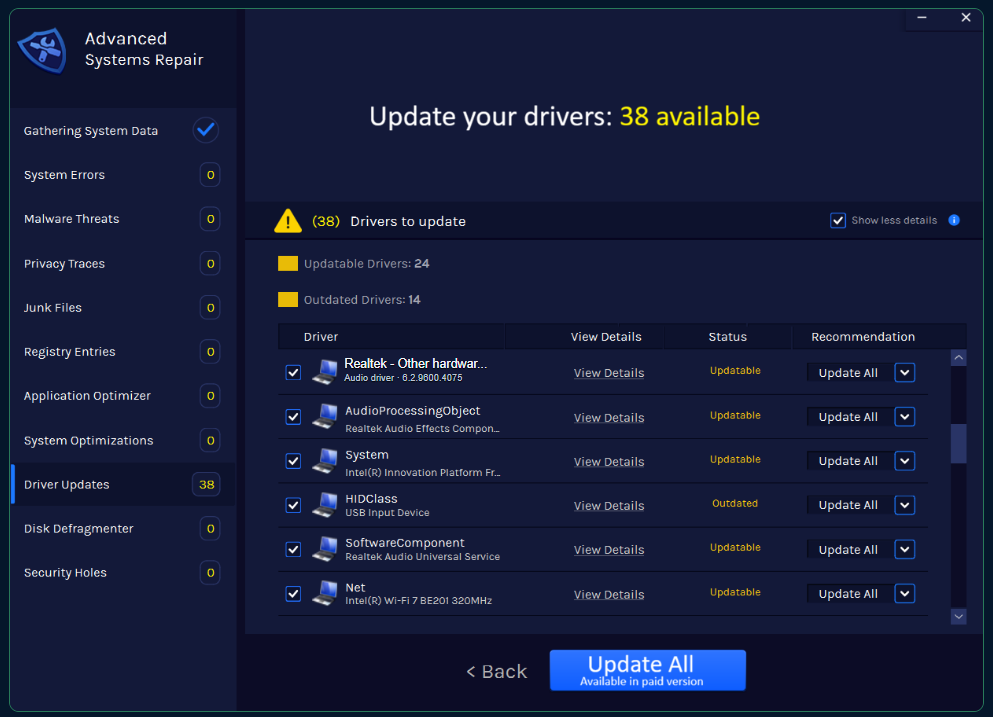
Real product screenshot supplied by Advanced System Repair; device names and available updates vary by computer.
Realtek supplies audio technology used in many PCs, but computer manufacturers often customize the driver package for their motherboard, speakers, microphone array, or audio console. Identify the exact PC model and audio device before replacing the driver.
Check the selected output first
Click the speaker icon and confirm the intended speakers or headphones are selected. Check volume mixer settings, cable connections, Bluetooth routing, and mute controls before changing drivers.
Run the Windows audio troubleshooter
Open Settings → System → Troubleshoot → Other troubleshooters and run the audio tool available on your Windows version. Record its result and test sound again.
Identify the Realtek device
In Device Manager, expand Sound, video and game controllers and Audio inputs and outputs. Open Properties to review the provider, date, version, and Hardware IDs.
Choose the right driver source
For laptops and prebuilt desktops, start with the computer manufacturer. For a custom desktop, use the motherboard maker. Windows Update may also provide a compatible package. Avoid generic driver sites.
Reinstall safely
Download the approved installer first. In Device Manager, uninstall the audio device only when needed, restart, and install the package. Do not select driver-removal options unless you have a known-good installer and recovery plan.
Check services and enhancements
Confirm Windows Audio services are running. If sound is distorted, test with audio enhancements and spatial sound disabled, then re-enable only the features that work correctly.
Frequently asked questions
Should I download directly from Realtek?
For many branded PCs, the computer maker’s customized package is safer. Use Realtek directly only when it clearly supports your hardware.
Why did sound disappear after an update?
The update may have changed the selected output, replaced a customized driver, or reset enhancements.
Can I use a generic High Definition Audio driver?
It may provide basic sound but omit manufacturer-specific features.
Related PC repair guides
This article provides general educational information. Menus and options vary by Windows version, computer manufacturer, and configuration.